📑 Table of Contents
Video content drives 1200% more shares than text and images combined. Yet 60% of businesses say they don't create enough video because it's too expensive, too time-consuming, or requires expertise they don't have. AI video tools have destroyed all three barriers. In 2026, a single marketer with the right AI tools can produce more video content in a week than a full production team could create in a month — at a fraction of the cost and with surprisingly high quality.
This guide covers every AI video tool you need for a complete video marketing strategy. From AI-generated talking head videos to creative cinematic content, from intelligent editing to automated repurposing — we cover the tools, workflows, and strategies that make video-first marketing accessible to every business.
Text-to-Video AI Tools
Text-to-video AI has matured dramatically. Today's tools can generate short video clips, complete with motion, lighting, and cinematographic quality, from a simple text description. This is transforming ad creative production, social media content, and brand storytelling.
Runway Gen-3 Alpha
Runway's Gen-3 Alpha model produces the most cinematic AI-generated video on the market. Generate 10-second clips from text prompts with remarkable visual quality — smooth motion, consistent physics, and creative flexibility that pushes the boundaries of what AI can produce. For marketing teams, this means creating product visualizations, lifestyle scenes, abstract brand videos, and attention-grabbing social content without cameras, actors, or locations.
Marketing applications: Product teaser videos for social, background loops for website hero sections, ad creative variations at scale, event promotional content, and conceptual brand story videos. We generate 20-30 clip variations per prompt and select the best for each use case.
Pika Labs
Pika focuses on making AI video creation intuitive and fast. Its strength is in transforming still images into video — animate product photos, bring illustrations to life, or add cinematic motion to static brand assets. The image-to-video capability is particularly valuable for e-commerce brands that have extensive product photography but limited video content.
Best use case: Converting product images into shoppable video content. A single product photo becomes a 3-4 second video with natural motion, lighting effects, and camera movement — perfect for Instagram Reels, TikTok, and YouTube Shorts product showcases.
AI Avatar Video Platforms
Synthesia
Synthesia is the enterprise standard for AI avatar videos. Choose from 150+ stock avatars or create a custom avatar of your own spokesperson. Write a script, select an avatar, and generate a professional talking-head video in minutes. The latest version produces videos with natural lip sync, realistic gestures, and emotionally appropriate expressions across 140+ languages.
Enterprise features: Custom avatar creation (train on your spokesperson for $1,000), brand templates with your logos and colors, team collaboration with approval workflows, API integration for automated video generation, and SOC 2 compliance for enterprise security requirements.
HeyGen
HeyGen specializes in personalized video at scale. Its standout feature is the ability to create personalized videos where the AI avatar speaks each viewer's name and company. Imagine receiving a sales outreach video where the "salesperson" addresses you by name, mentions your company, and discusses your specific industry challenges. HeyGen makes this possible at scale — generate 1,000 personalized videos in the time it takes to write the script.
Sales impact: Personalized HeyGen videos in sales outreach emails achieve 3-5x higher reply rates compared to text-only emails. One of our B2B clients increased meeting bookings by 120% after integrating HeyGen into their outbound sequence.
AI Video Editing Tools
Descript — Edit Video Like a Document
Descript transformed video editing by making it as simple as editing text. The AI transcribes your video, and you edit the video by editing the transcript — delete a sentence, and the corresponding video cuts automatically. Remove filler words with one click. The "Studio Sound" feature enhances audio to studio quality regardless of where you recorded. "Eye Contact" correction makes the speaker look directly at camera even when they were reading from notes.
Time savings: Tasks that take 2-3 hours in Premiere Pro take 15-20 minutes in Descript. For marketing teams producing weekly video content (podcasts, tutorials, webinars), this means 80% less time in post-production.
CapCut AI
CapCut's AI features make it the essential tool for short-form social content. Auto-captions with trending styles, one-click background removal, AI-powered transitions, audio ducking, auto-reframe for different aspect ratios, and intelligent scene detection that automatically cuts your footage at natural break points. The AI also suggests trending audio tracks and effects based on your content type, increasing the likelihood of algorithmic promotion on TikTok and Instagram Reels.
AI Video Repurposing
OpusClip
OpusClip uses AI to identify the most engaging moments in long-form videos and automatically creates short clips optimized for each social platform. Upload a 60-minute webinar, and OpusClip generates 20-30 clips, each with captions, optimal aspect ratios, and a "Virality Score" that predicts how well each clip will perform. This transforms a single piece of long-form content into weeks of social media material.
Workflow: Record one weekly video (podcast, interview, presentation). Upload to OpusClip. Receive 20-30 clips. Schedule across platforms using Buffer or Hootsuite. Result: daily video content across all platforms from a single recording session per week.
Vizard.ai
Vizard focuses on automated video repurposing with additional AI features like auto-zoom (focuses on the speaker's face for vertical formats), dynamic subtitles, and B-roll insertion suggestions. It's particularly strong for converting horizontal YouTube/webinar content into vertical Reels/TikTok/Shorts content while maintaining visual quality and engagement.
AI Video SEO & Optimization
TubeBuddy AI: For YouTube marketers, TubeBuddy's AI optimizes titles, descriptions, tags, and thumbnails for maximum discoverability. Its A/B thumbnail testing feature uses AI to predict which thumbnail will drive more clicks, and the title generator creates SEO-optimized titles that balance search discoverability with click-through appeal.
VidIQ AI: VidIQ's AI coach provides personalized recommendations for growing your YouTube channel. It analyzes your content performance, identifies what's working, suggests video ideas based on trending topics in your niche, and predicts how well potential video topics will perform before you invest time creating them.
Auto-captioning for SEO: Adding accurate captions to videos improves accessibility, engagement (80% of social media videos are watched without sound), and searchability. AI captioning tools like Descript, CapCut, and Rev.ai generate captions with 95%+ accuracy in seconds, making this essential optimization effortless.
Complete Video Marketing Workflows
🎬 Weekly Video Content Engine
Frequently Asked Questions
What is the best AI tool for creating marketing videos?
Synthesia is the best for professional talking-head videos with AI avatars. Runway Gen-3 is the best for creative, cinematic-style content. HeyGen excels for personalized sales videos. CapCut AI is the best free option for short-form social content. The right choice depends on your content type, budget, and quality requirements.
Can AI-generated videos replace traditional video production?
For certain content types, yes. AI excels for product demos, explainers, social media content, internal training, and personalized outreach videos. However, brand storytelling, high-end commercials, and emotionally-driven content still benefit from traditional production. The best approach combines both: AI for volume content, traditional for hero content.
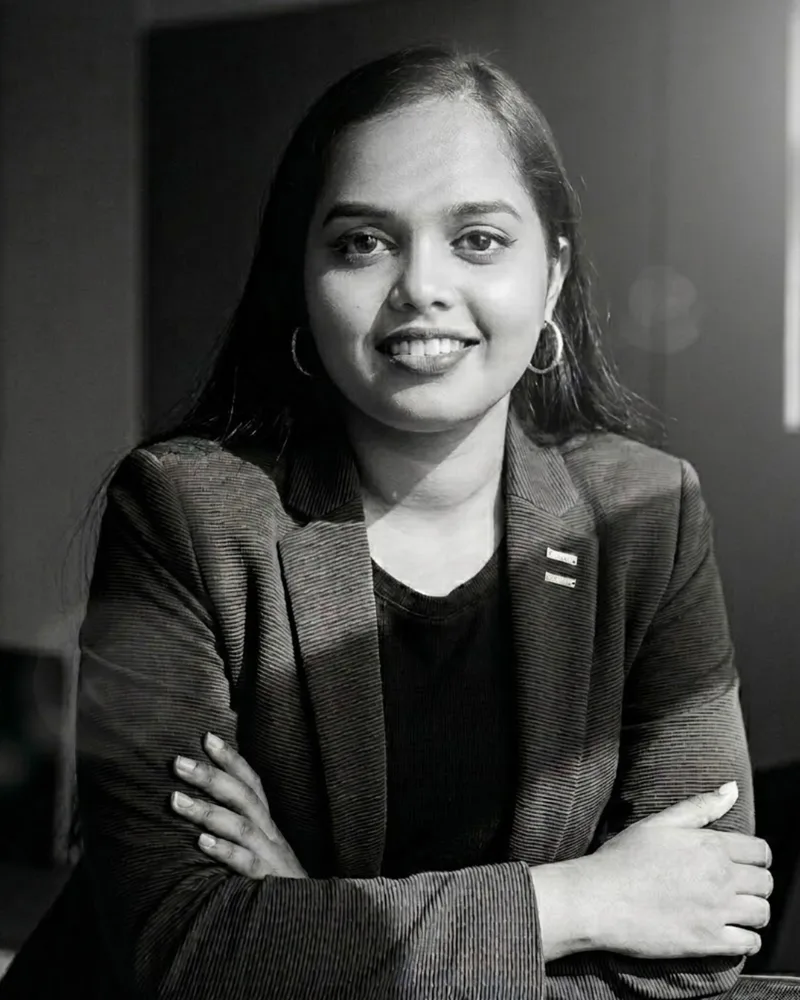
Anila G Nair
Co-founder, Brainvare
Anila G Nair is the co-founder of Brainvare and leads marketing strategy and creative operations.
Ready to Transform Your Marketing with AI?
Let Brainvare's AI-first team build marketing systems that deliver measurable results. Book a free strategy call today.
Get Started